
The listing for IE777 Game covers its mobile menus, package and device experience. Start there if you want to see which Android features it offers before installing.
If this is your first look at IE777 Game, use the guide to check what it offers and how to get around it on Android.
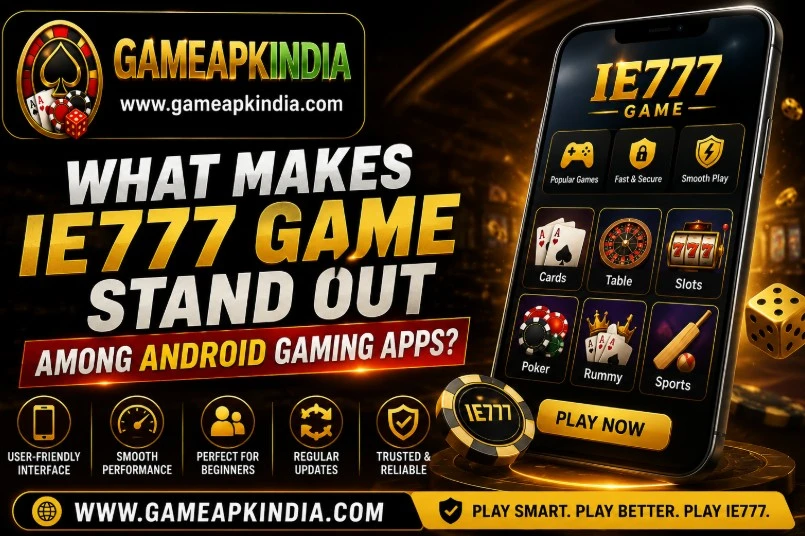
What Kind of Android App Is IE777 Game?
IE777 Game puts its main options in a dashboard. The navigation is designed to let first-time users and regular Android players reach the sections they want without learning a complex menu.
The layout uses a short route from the home screen to the available choices.
Why Readers Look at IE777 Game
For readers who prefer a short installation and a clear game list, the layout can matter as much as the titles. That is one of the features highlighted for IE777 Game.
Check the release notes as the app changes. The guide points to IE777 Game continues for readers comparing Android apps with a simple layout and regular updates.
Features to Check in the Current IE777 Game Version
The app highlights navigation, updates and device support. Look at each of those points when comparing it with another package.
Easy Navigation
Start from the dashboard to reach the different sections.
Beginner-Friendly Interface
The controls are designed to be understandable for a first-time Android game user.
Smooth Performance
On a supported handset, the interface is meant to respond promptly as you change screens.
Regular Updates
New releases can improve device support, fix bugs and change how the app performs.
Simple Design
The main menu makes frequently used controls easy to spot.
Finding Your Way Around IE777 After Setup
Launch the app on Android after the installer finishes. The dashboard on the home screen is where to choose another section.
The basic process usually includes:
- Installing the latest version.
- Opening the application.
- Completing the initial setup if necessary.
- Exploring the available features.
- Keeping the application updated.
A short menu can help you start without spending much time learning the layout.
What to Check Before You Open Any Android Installer
Before you download Android applications, review the file and the phone’s requirements. The points below explain what to compare first:
- Understand the application’s purpose.
- Review available features.
- Check Android compatibility.
- Learn the installation process.
- Stay updated with the latest version.
Those checks help you spot a mismatch between the package and your device before setup stops.
Preparing Your Phone for IE777 Game
Work through the following points before getting or opening the package:
- Verify your Android version.
- Download the latest application version.
- Make sure sufficient storage is available.
- Read the installation guide carefully.
- Update your Android operating system regularly.
Making those checks first can reduce avoidable installation problems.
How Easy Is IE777 Game to Navigate for a New Player?
The layout puts the main sections where a new user can see them. Regular Android users can use the same dashboard to get straight to the tool or screen they want.
That short route to the game list is useful for readers with different levels of experience.
Conclusion
Start at IE777 Game if you want to compare IE777’s menu and updates with other Android apps. Check what the app offers, whether your phone is supported and what the setup asks you to do. Those details matter more to a first launch than how often the title appears in search.
Frequently Asked Questions
What Does IE777 Game Offer on Android?
IE777 Game is an Android app with a game menu designed to be easy to move through.
What Do Readers Look For in IE777 Game?
The guide highlights a compact layout, a short learning curve, quick navigation and updates.
Do I Need Prior Experience to Use IE777 Game?
The layout is intended to work for new players and people who already use Android apps regularly.
How Can I Tell Whether My Phone Supports IE777 Game?
Compare the package requirements with your Android version and phone specifications before you install.
Where Can I Check for IE777 Game Changes?
Look at newer releases for changes to performance, stability and everyday use.
When Should I Use the Current IE777 Version?
A newer release may include fixes and better support for devices. Check what changed before updating.
What Should I Review Before I Download IE777 Game?
Look at your Android version and the free space on the phone, then read the installer steps.
What Helps a Beginner Get Around IE777 Game?
The main choices are grouped in a simple menu, which makes it easier to find a section if you are new to Android games.

