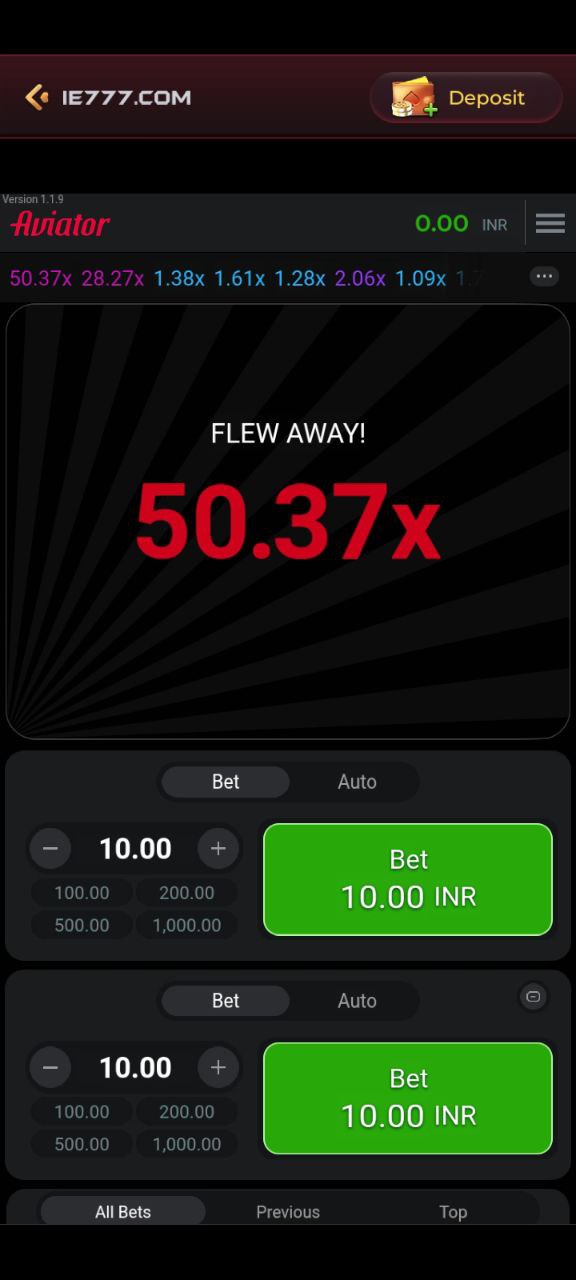
IE777 Game has gained popularity among online gaming enthusiasts by offering a platform that combines ease of use, reliable performance, and engaging entertainment features.
If you are looking up IE777 Game in India, check the APK and the account terms first. The app lists welcome offers, slots, rummy and live games, with separate rules for rewards.
Look at the terms for opening an account, daily activity and referrals. The listing also describes withdrawals through UPI as quick. Check which conditions and processing details IE777 Game shows for your account.
Finding and Installing the Current IE777 APK for Android
Use the IE777 APK Download for Android section to check compatibility and the package source. Then look up installation, account access or updates depending on what you need.
First-time users can start at the Android requirements. Returning users may want the IE777 login, recovery or release notes instead.
Game Apk India publishes Android package and setup information. Use the feature list and device requirements to decide whether the IE777 installer suits your phone.
Screenshots of IE777 Game
What is IE777?
The listing describes IE777 as a mobile gaming app with menus designed for quick access. Verify the supported Android versions before you run the installer.
Updates can improve compatibility and correct errors. Check the version and source of the file before replacing your installed copy.
The listing highlights a compact installer and a simple menu. Actual gameplay depends on the phone and version you use.
What to Look for in IE777 Game
Review the current release for changes intended to improve performance.
Easy Installation
Open the package and follow the Android prompts. Setup is described as taking a few minutes.
Fast Performance
The interface is designed for shorter loading times between sections.
User-Friendly Interface
Use the main menu to find the right section, whether you are new or returning.
Regular Updates
New releases can change features or improve performance.
Android Compatibility
Compare your phone with the requirements for the supported Android release.
Secure Account Management
Use the app dashboard to review and manage account details.
Getting the Current IE777 APK on Android
Check the listed release before installing. Use the current version if it matches your device.
The IE777 APK lists the updated package. A newer release may improve stability or resolve issues that affect older versions.
Before opening the installer, check that the phone has space and that the file has downloaded over a steady connection.
Preparing and Running the IE777 Installer
Follow these simple steps.
Step 1
Save the APK from a source you recognise and trust.
Step 2
Open your Android Settings.
Step 3
If Android asks, use Install from Unknown Sources for the source you have verified.
Avoid altered packages from websites you cannot identify.
Use a secure internet connection.
Scan APK files if required.
Check that you are opening the current supported release.
Common Installation Problems
APK Not Installing
Confirm that installation permission is enabled for the source you used.
Parse Error
Get another copy of the current APK if the saved file may be damaged.
App Crashing
Restart the handset and check whether Android needs an update.
Login Error
Before another attempt, confirm the account details and check that the phone is online.
Installing IE777 Game in 2026
If 2026 is your first time getting the app, run through the checks and setup sequence before opening your account.
Check that the current APK file suits your Android version. Grant installation permission only if needed and let setup finish. Sign in with an existing account or use the new-account form.
Review updates for changes to security, the interface and phone compatibility.
How a Newer Android Version Can Help
Check how the current Android release affects the app and your device.
Better optimization
Faster loading
Enhanced stability
Improved user interface
Reduced bugs
Support for newer Android handsets
Improved account security
Smoother navigation
Quick Answer
What File Is the IE777 APK?
It is the Android installer. On a compatible handset you can open the package to add the current app manually.
Which Android Phones Can Run IE777?
The guide lists support for most handsets using Android 6.0 and later.
What Are the Steps for Opening the Installer?
Get the current APK and find the saved file. Give the source permission if Android requests it, then open the package and finish setup.
Finding Your Next Step With IE777 APK
Use the IE777 Game guide to check the Android requirements, find the setup steps and decide whether to register or sign in. For version and package details, see the Android download section and the app resources at Game Apk India.